There is a Conditional Access policy in nearly every tenant I work in that I have never had a reason to open. It is called something like CA-Persona-All-RegisterSecurityInfo. Somebody wrote it off a hardening checklist a long time ago, it targets the Register security information user action, it requires MFA when the user is not on a trusted network, and it has sat there behaving itself ever since.
I went and opened one this month.
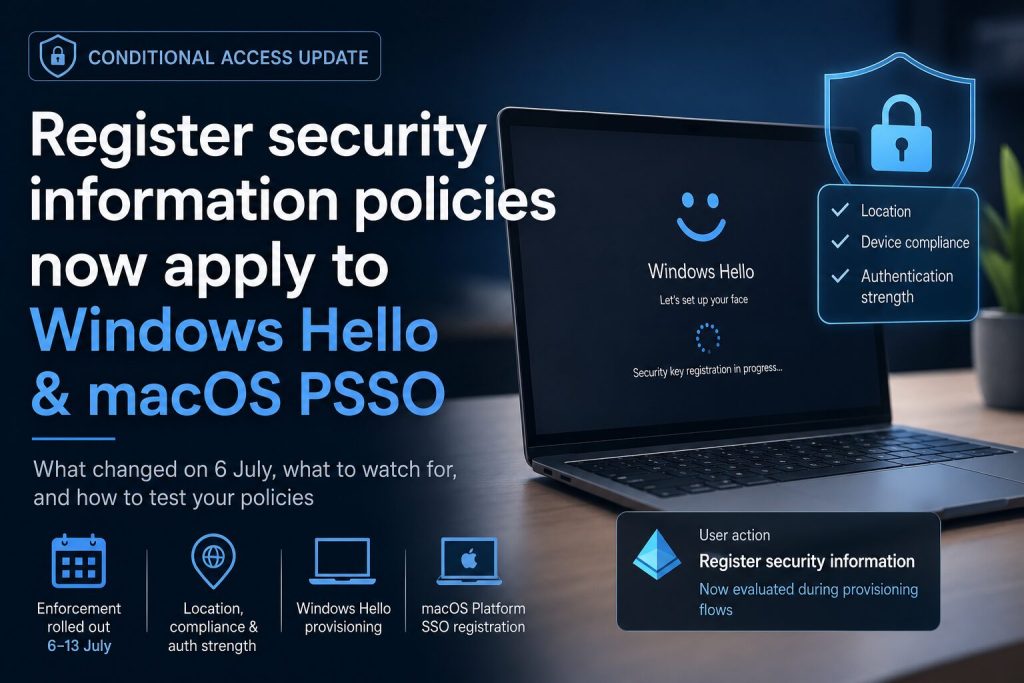
On 6 July, Conditional Access policies targeting Register security information started being evaluated during Windows Hello for Business provisioning and macOS Platform SSO credential registration. Enforcement finished rolling out on 13 July. It is documented in the Learn article for the registration policy and in Message Center post MC1326253.
The policy text has not changed. What has changed is the set of flows it now gets evaluated in.
What changed on 6 July
Before July, a policy scoped to that user action was evaluated in the combined registration experience and nowhere else. My Sign-Ins security info, the Authenticator app, turning on passwordless phone sign-in. Windows Hello provisioning and macOS Platform SSO registration were outside that boundary. They enforced MFA on their own account, because Azure DRS checks the MFA claim is still current before it will write a Windows Hello key to the directory, but they never consulted your policy. Your location condition, your authentication strength and your compliance requirement did not apply at the moment a passwordless credential was actually created.
From 6 July those two flows evaluate the policy as well, including its grant controls.
One thing that did not change, so it does not get muddled in. MFA is still required by default to register a passwordless credential, policy or no policy. That was true before July and it is true now. The only difference is that your own policy now gets a say as well.
If nothing in your tenant targets the Register security information user action, your environment is unchanged. Microsoft states that explicitly. Plenty of tenants are in that position, so it is worth checking that before reading any further.
The mental model I would hold onto is that the enforcement point moved rather than the policy. Windows Hello provisioning runs in the Cloud Experience Host, asks for an access token for the Azure Device Registration Service, and DRS confirms the MFA claim before writing the user key. What changed in July is that the token acquisition sitting in front of that step now runs your registration policy. So the failure, when it comes, lands during credential provisioning rather than at sign-in. That matters for troubleshooting, because it changes who reports it to you: a user partway through setting up a laptop, rather than anything on a dashboard.
Trusted locations, device compliance and authentication strength
The grant controls people put on registration policies were chosen for a world where registration was a browser flow, done at a desk, by someone who already had a working account and a working device. Provisioning a credential on a laptop that was unboxed this morning is a different situation, and the three common grant controls each run into it differently.
Trusted locations is the most common shape, and Microsoft names it in the documentation directly: some organisations used trusted network location as the way to secure registration. It worked because you could tell people to do it from the office. Windows Hello provisioning fires when the user first signs in to a newly Entra joined device, which for anyone shipping laptops straight to new hires is a home network by definition. The same applies to a Mac being unboxed on somebody’s kitchen table.
Device compliance is the other pattern Microsoft calls out, and this one I am not going to guess at. Windows Hello provisioning is attempted automatically after Entra join, which on an Autopilot device is very early in its life. Whether the device has finished a compliance evaluation and reported compliant by that precise moment depends on your compliance policies, your grace period, and the tenant setting for how devices with no policy assigned get marked. I could not find Microsoft documenting the ordering for this scenario, so this is one to test rather than reason about. I will come back to how.
Authentication strength has an actual logic problem in it. If your registration policy requires a phishing-resistant strength, and the credential the user is trying to register is the phishing-resistant credential, you have a circular dependency: the user needs a passkey in order to create their passkey. Temporary Access Pass is the documented way out and it does satisfy multifactor requirements, but a TAP has to be issued by a person or an automation before the user ever powers the device on. That turns a policy setting into an onboarding process change, which is a considerably larger piece of work.
One more thing before you reach for authentication strength at all. Microsoft warns that external authentication methods are currently incompatible with it. If you have a third-party MFA provider in play, stay on Require multifactor authentication.
Platform SSO on macOS
Two changes landed a couple of months apart this year and they interact.
In May, Intune added support for finishing Platform SSO registration during macOS Automated Device Enrollment. You set Enable Registration During Setup in a settings catalog policy, deploy Company Portal 5.2604.0 or newer as a line-of-business app, and set the ADE policy to Setup Assistant with modern authentication and await final configuration enabled. It requires macOS 26 or newer. The benefit is that users have working access to Entra resources as soon as they reach the desktop, instead of hitting a registration prompt some time later.
Two months after that, Conditional Access started being evaluated during Platform SSO credential registration.
So the point at which you deliberately pulled PSSO registration forward into Setup Assistant is also the point at which it came under a policy written with a browser in mind. If you turned registration-during-setup on in the spring and your registration policy carries a location condition, that combination is worth a test build before the next batch of Macs goes out.
To be clear about what is documented and what is not: I am reading those two changes against each other. Microsoft has not published anything connecting them. Both halves are documented, but the connection between them is my own reading.
Auditing your registration policies
Start by finding out whether you are affected at all. In the Entra admin center at entra.microsoft.com, with at least the Conditional Access Administrator role, go to Entra ID → Conditional Access → Policies and look for anything where Target resources → User actions has Register security information ticked. Most tenants have one, occasionally two. If nothing does, you are finished.
If something does, read its grant controls before you touch anything. Access controls → Grant tells you what is required, and Conditions → Locations tells you whether a location condition is in play. Those two together are your whole exposure; nothing else on the policy matters here. A policy that only requires multifactor authentication is very probably fine, because MFA was already mandatory for passwordless registration and a TAP satisfies it. A location condition, a compliance requirement or an authentication strength is what needs testing.
Then build a device rather than working it out on paper. A clean user-driven Autopilot enrolment, a test account in scope of the policy, deliberately off-network, and watch what the Windows Hello prompt does. Pull the sign-in log for that user afterwards and read which policy applied and what it required. Do the same with an ADE build if you run Macs. That is roughly an afternoon of work.
Do it in report-only. You can flip a live policy into it, but for a production registration policy I would rather duplicate the policy, set the copy to Report-only under Enable policy at the bottom of the blade, and leave the original running untouched.
Two other blades are worth knowing while you are in there. Whether Windows Hello provisioning fires during OOBE at all is decided by the tenant-wide policy at Intune admin center → Devices → Windows → Enrollment → Windows Hello for Business, which applies to every device that enrols and cannot be scoped to a group. That is why most people set it to Disabled there and enable Windows Hello for the right groups through Endpoint security → Account protection instead. If you would rather provisioning happened once the device has settled, that split is the lever. On the Mac side, registration-during-setup lives in a settings catalog policy at Intune admin center → Devices → Manage devices → Configuration → Create → New policy, with macOS as the platform and Settings catalog as the profile type, and the setting is Enable Registration During Setup.
If it does break, there are three ways out and they are not equally good. Issuing a TAP as part of onboarding is what Microsoft points at, and it is the option that keeps your security posture intact, but it puts a manual step or an automation into your joiner process. At fifteen thousand devices across seventy-odd countries with a mixed bag of local support models, that is a project rather than a setting. You enable TAP under Entra ID → Authentication methods → Policies → Temporary Access Pass and issue it per user from that user’s Authentication methods blade. Loosening the grant control is quicker, but it weakens a control you presumably put there on purpose. Splitting the policy, so that first-time registration follows a TAP-friendly path while ongoing security info changes stay locked down, is the middle option and probably where most enterprises will land.
On the cost of doing nothing. With no registration policy, there is none. With a policy that only requires MFA, almost certainly none. With a location, compliance or strength control, and devices that get shipped to people who are not sitting in an office, new device setup stalls at credential provisioning. Enforcement is already live, so this belongs in this week rather than in Q4. Budget an afternoon to find out where you stand, and a sprint if the answer is that TAP has to enter your onboarding process, because that is a change to how people hand out laptops rather than a change to a blade.
What this means for policy reviews
The change itself is right, and I want to say that plainly rather than treat it as an inconvenience. Creating a passwordless credential is exactly the moment you would want your policy to apply. Under the old behaviour, somebody who had got hold of a live session through an adversary-in-the-middle attack could provision a Windows Hello credential on hardware you have never seen, and your registration policy would never have been consulted. That gap got more serious the harder an organisation leaned on passwordless. Microsoft closed it.
The difficulty is not with the change. It is that a control written for a browser flow now sits in a provisioning path, and those two contexts make very different assumptions about where the user is standing and what they already have in their hand.
That is the part worth generalising. A Conditional Access policy is not a static object. What it means in practice is determined by what it gets evaluated against, and Microsoft keeps widening that surface without a single character of your policy text changing. The same thing happened last month when Multi Admin Approval started applying to Graph calls from service principals: nobody edited a policy, but the set of calls it intercepted grew.
Which leaves a housekeeping problem I do not have a good answer to. An annual Conditional Access review that reads the policies you wrote will not catch this, because the policies read exactly as they did last year. The review has to cover what those policies now touch, and short of reading release notes every month I do not know a clean way to build that list.
If you have a registration-scoped policy with a location condition on it, I would like to know what your first Autopilot build did after the 13th. Did Windows Hello provisioning fail outright, defer quietly to the desktop, or complete without trouble? That is the detail that would settle whether the compliance and location ordering behaves the way a lot of us are assuming.